

It is not always enough to know that a particular program installed on your PC does work and has so far been absolutely fail-safe. Even though you may use your software only for a defined set of functions, it may once happen that some specific data or a subtle change in the overall configuration will bring up a conflict which you have been yet unaware of. The result - a software failure - is distressing, but it can be prevented.
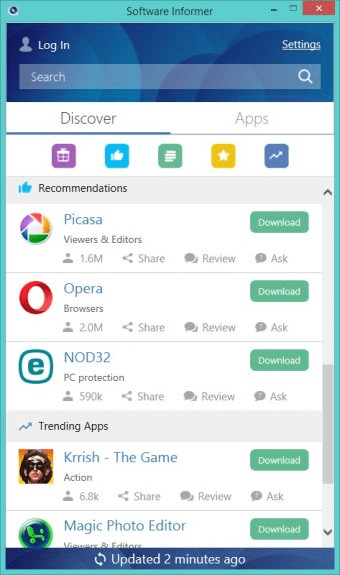
Software Informer is a program that has been specially designed for those users who care to keep their applications functional and ready for any task that may arise. Its primary aim is to give you up-to-date information about the software you actually use. For that purpose, this program will make a list of applications installed on your computer and later on will check their versions for obsoleteness by occasionally connecting to software.informer.com, an expanding server with a huge and constantly updated list of present applications. Whenever a more recent version of any program becomes available, Software Informer will notify you and offer a link for downloading the update.
But this program goes even further. It will provide you with a centralised interface for gathering relevant information on all the applications that may interest you. Allowing you to keep track of comments and questions on corresponding software, and being nevertheless incredibly easy to use, Software Informer makes the process of obtaining the desired information and tools wholly free from tiresome search and disappointment - and thus makes it pleasantly usual.

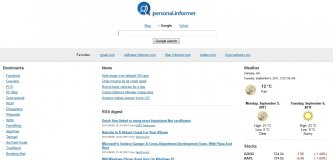

It will help you create your personalized start page at Personal.Informer.com.











Comments (628)
currently i am useing 1.4.1304 version,
new version is waste and buggy
Ui OF OLD ONE IS TOO GOOD AND USER FRENDLY 1.4.1304 & 1.4.1305
IN NEW UPDATE WE R EXPECTING OLD UI WITH ADVANCED FEATURES AND INBUIT DOWNLOADER AND UPDATER REQUIRED
Facebook comments